
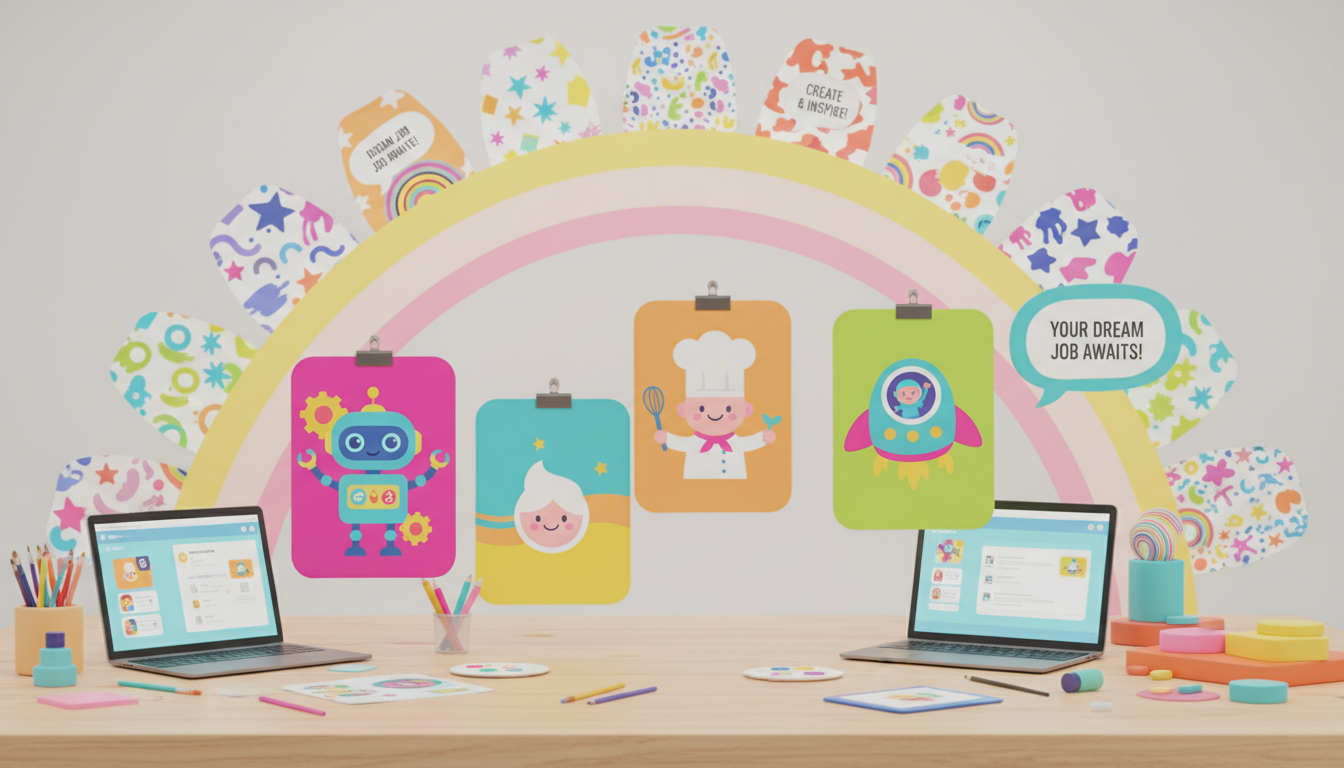
How to Create an Eye-Catching Canva Poster for a Job Posting
Quick Answer
Creating a Canva poster for a fictional job posting involves choosing a design role, gathering relevant details, and presenting them visually. Use vibrant colors and clear fonts to make your poster stand out.
Creating a Canva poster for a fictional job posting can be an exciting assignment that allows you to showcase your design skills and creativity. Whether you're tasked with making a poster for a Graphic Designer position, a Web Designer role, or any other design career, the principles of effective poster design remain consistent. Here’s a step-by-step guide to help you create an engaging and informative job posting poster in Canva.
**1. Choose Your Design Role:**
Start by selecting a design job that interests you. For instance, let's take the role of a **Graphic Designer**. This choice will guide the content and visuals of your poster.
**2. Gather Essential Details:**
Once you've chosen your role, compile the necessary information that potential applicants would want to know. Here’s an example breakdown:
- **Title:** Job Posting for Graphic Designer
- **Responsibilities:** Include tasks like creating advertisements, editing photos, designing logos, working collaboratively with clients, and developing layouts.
- **Education Requirements:** Typically, a high school diploma is sufficient, but many employers prefer candidates with a college degree or certification in Graphic Design.
- **Experience:** Mention that 1-2 years of experience in design is often preferred. However, if the applicant is new to the field, a strong portfolio showcasing their skills can be an excellent substitute.
- **Salary and Benefits:** Provide a salary range (e.g., $40,000–$60,000 per year) along with benefits such as health insurance, vacation time, and the possibility of remote work.
**3. Design Your Poster in Canva:**
Open Canva and select a poster template that resonates with your style. Here are some tips to make your poster visually appealing:
- **Colors:** Choose bright colors that reflect the vibrant nature of the design industry. Use contrasting colors to highlight important information.
- **Fonts:** Opt for bold and legible fonts. Make sure the title is prominent, and use a different style for the body text to create a hierarchy.
- **Graphics and Icons:** Incorporate relevant graphics or icons that complement the job role. For example, you might include a pencil icon, a computer monitor, or creative tools to enhance the visual interest of your poster.
**4. Final Touches:**
Before finalizing your poster, review it for clarity and typos. Ensure that it is not overcrowded with information; simplicity can often be more effective.
**Real-World Applications:**
Designing a job posting poster not only helps you practice your graphic design skills but also prepares you for real-world tasks in the creative industry. Employers often look for candidates who can communicate visually and present information in an engaging way.
Using Canva for this assignment is a fantastic way to get hands-on experience with design software that professionals use. Plus, you’ll have a polished piece to add to your portfolio. Good luck with your poster, and remember to express your creativity throughout the process!
Was this answer helpful?