
How to Practice Digital Safety: Tips for Students
Quick Answer
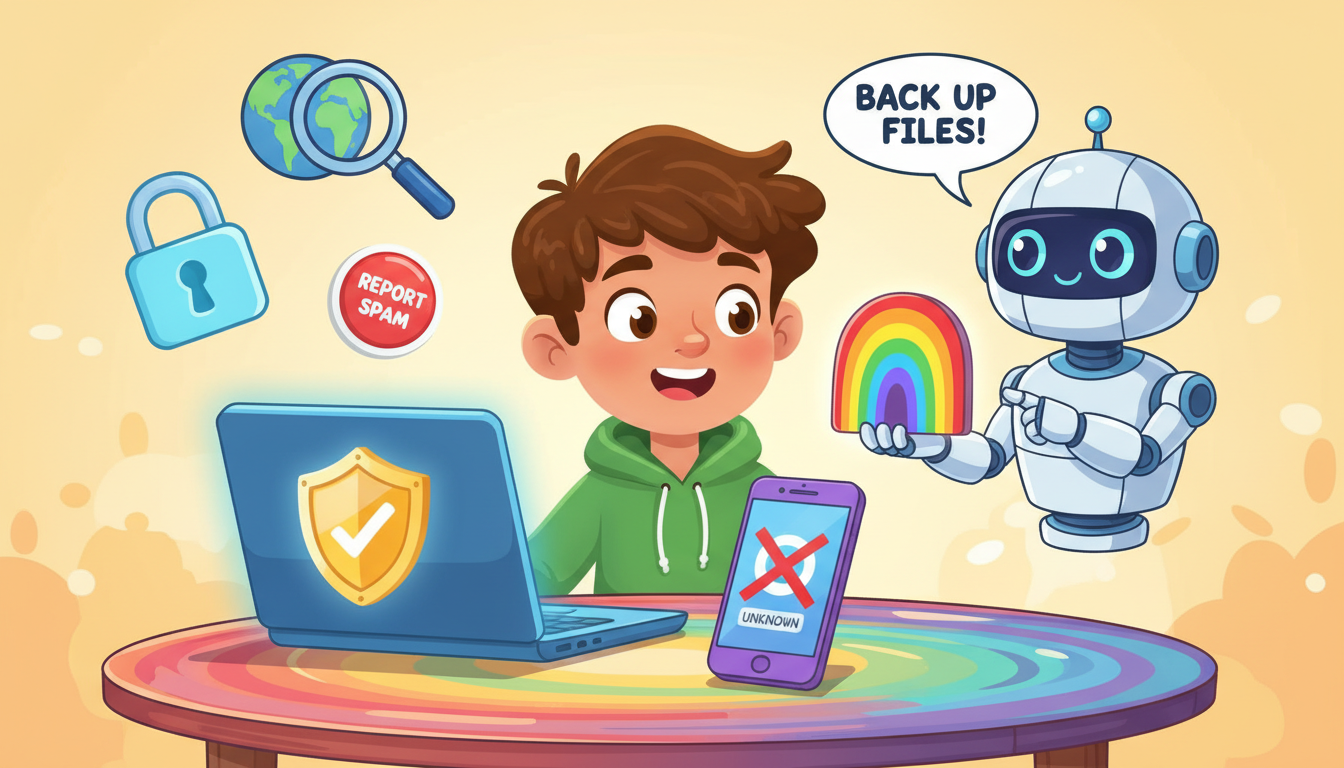
Practicing digital safety involves being cautious when answering emails and phone calls and ensuring important files are backed up. Use settings on your phone to block unknown calls and report spam messages, while regularly backing up your files to prevent data loss.
Digital safety is an essential skill in today's technology-driven world. It involves understanding how to protect yourself online and ensuring that your personal information is secure. There are two key areas to focus on: being careful when communicating through emails and phone calls, and backing up your important files.
**Using Care When Answering Emails and Phone Calls**: One effective safety practice is to exercise caution when responding to emails and phone calls. It’s wise to set your phone to silence unknown callers. This way, you minimize the risk of answering calls from potential scammers or unwanted solicitors. For example, if you receive a call from a number you don’t recognize, you can let it go to voicemail and listen to the message later. If it’s important, the caller will leave a message.
Additionally, you can use settings on your phone that prevent you from adding new contacts without permission. This feature can help you avoid adding random numbers that could lead to unwanted communication. When it comes to emails, if you receive a message from someone you do not recognize, particularly if it’s about a job offer or breaking news, it’s best to delete that email immediately and report it as spam. This ensures that you are not exposed to phishing attempts, which are all too common.
**Backing Up Important Files**: Another vital safety practice is backing up your important files. In the event of a computer crash or a loss of your device, having backups can ensure that you don’t lose valuable information, such as school assignments, photos, or personal documents. There are several methods to back up files effectively. You can use external hard drives, USB flash drives, or cloud storage services like Google Drive or Dropbox. Each of these options allows you to store copies of your important documents safely.
For instance, you might set a reminder to back up your files every week. This makes it a habit and ensures that you always have the most recent versions of your work saved securely. In addition, many devices offer automatic backup settings, which can simplify the process and ensure you never forget to do it.
In summary, practicing digital safety is critical for protecting your personal information and important files. By being cautious with communications and regularly backing up your data, you can significantly reduce your risk of online threats and data loss. Always stay informed about new digital safety practices to keep yourself secure in this ever-evolving digital landscape.
Was this answer helpful?