
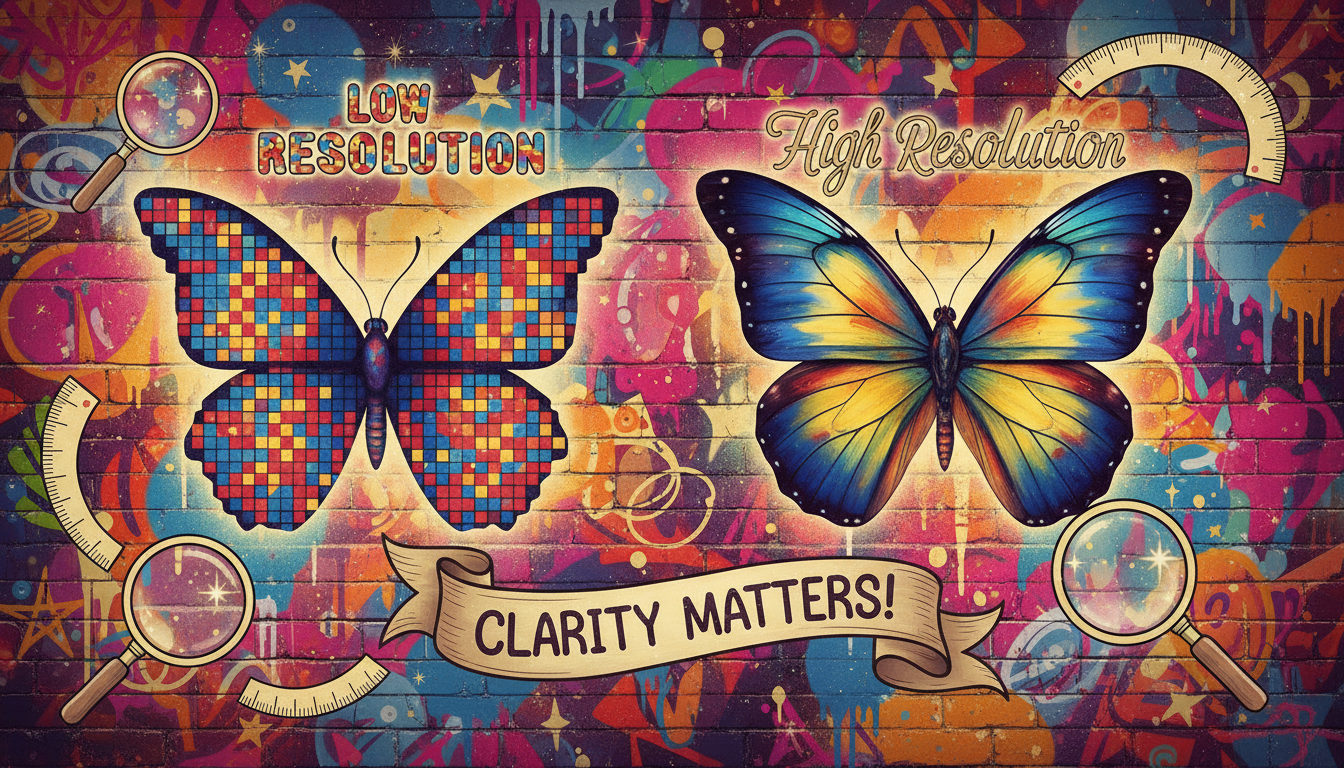
What Does Image Resolution Mean? Understanding the Concept
Quick Answer
Image resolution refers to the amount of detail an image has, determined by the quantity of pixels in a given area. Higher pixel counts yield better quality images.
Image resolution is a crucial concept in the realm of digital images, impacting everything from photography to web design. Simply put, it defines how much detail an image holds, and this detail is measured in pixels. The more pixels an image contains within a specific area, the higher its resolution and clarity.
1. **Understanding Pixels**: Pixels are the tiny dots that make up an image. When you look closely at a digital photo, you can see these dots, especially in low-resolution images. For instance, an image that has a resolution of 1920×1080 means it contains 1920 pixels across the width and 1080 pixels down the height. This results in a total of about 2.1 million pixels, which can produce a clear and detailed picture.
2. **Why Resolution Matters**: Higher image resolution is essential for various applications. For instance, in professional photography, higher resolution ensures that prints maintain quality without pixelation. Similarly, websites benefit from high-resolution images that look sharp on all devices, especially with the rise of high-definition displays.
3. **Analyzing the Options**: In the multiple-choice question provided, the options were:
- **The file’s extension**: This refers to the format of the file (like .jpg, .png) and does not relate to its resolution.
- **The quantity of pixels**: This option is correct as it directly defines image resolution. More pixels mean more detail.
- **The file’s memory dimensions**: This option confuses image size with resolution; a file may take up less memory due to compression, yet still retain high resolution.
- **The reduction in digital footprint**: This refers to how much space a file takes up, which is unrelated to its resolution.
4. **Real-World Examples**: Consider a scenario where you want to print a photo. If your image has low resolution (like 640×480 pixels), it may appear blurry when enlarged. However, if you use a high-resolution image (like 3000×2000 pixels), it will print clearly without losing quality. This principle applies to various fields, including graphic design, advertising, and online content creation.
In summary, understanding image resolution helps you choose the right images for your projects, ensuring they are visually appealing and professional. Always aim for high-resolution images when clarity is key, especially in print and on websites that host visual content.
Was this answer helpful?